Database User
The Database User menu has two pages: User and User Group.
Users
The User page is where the database accounts subject to masking and policy enforcement are managed.
These accounts are actual users in the target database, such as postgres, sa, or NT AUTHORITY\NETWORK SERVICE. DDM evaluates masking rules and access policies based on the authenticated database user, so the same data can be shown differently depending on the user's permissions and assigned policies.
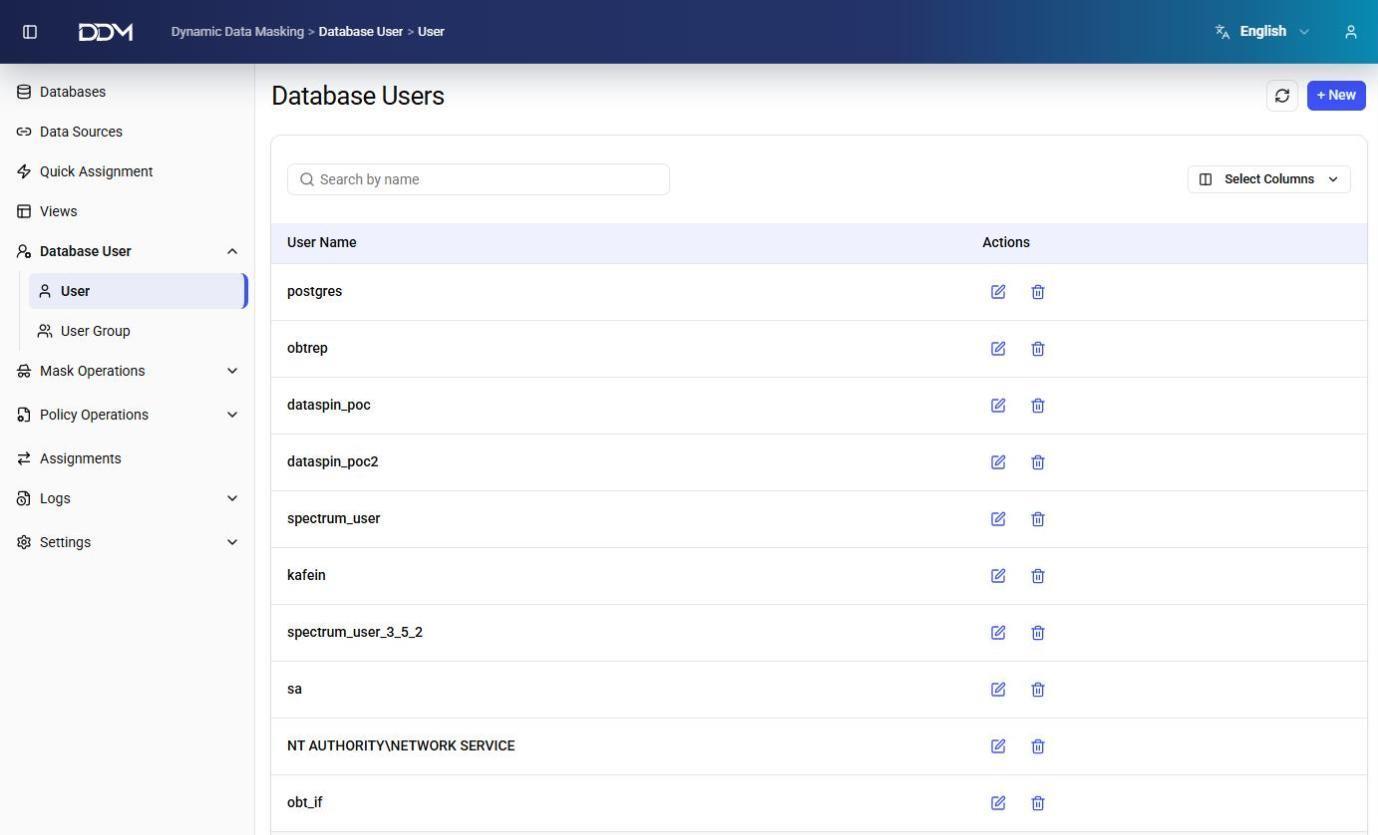
| Field | Description |
|---|---|
| User Name | Name of the database user account. |
| Actions | Edit or delete the database user. |
- Click + New to create a database user.
- Click Edit to change a database user.
- Click Delete to remove a database user.
Database users and application users
Database users are the accounts that connect to protected databases. They are different from the application users who sign in to the DDM management interface. See Access Management.
User Groups
The User Group page is used to organize database users into logical groups.
Masking groups and policy groups are assigned to user groups instead of individual users. This simplifies administration and keeps policy enforcement consistent across users.
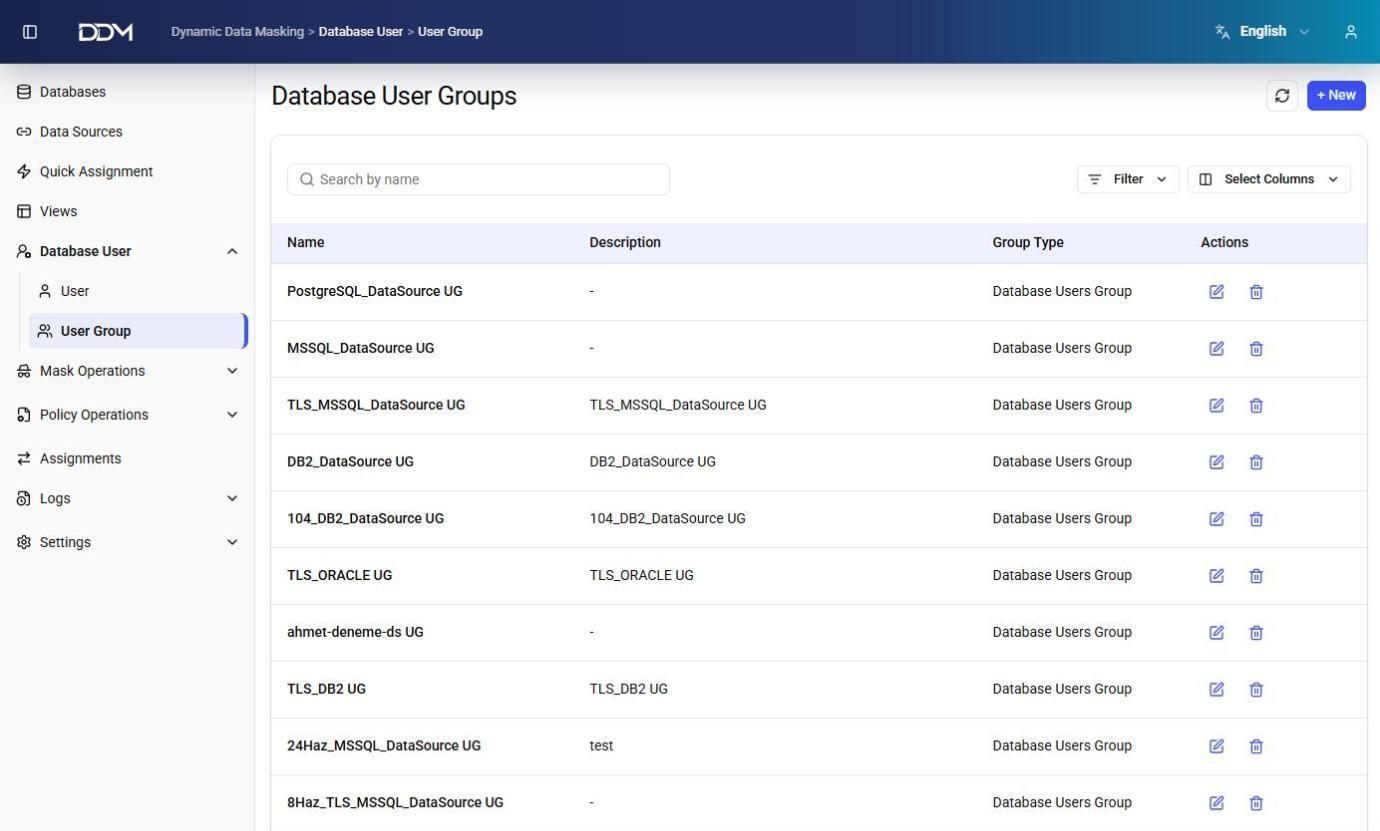
| Field | Description |
|---|---|
| Name | Unique name of the user group. |
| Description | Short description of the user group. |
| Group Type | Type of user group, such as Database Users Group. |
| Actions | Edit or delete the user group. |
- Click + New to create a user group.
- Assign database users to the group on the Assignments or Quick Assignment page.
- Click Edit to update the group information.
- Click Delete to remove the user group.