Quick Assignment
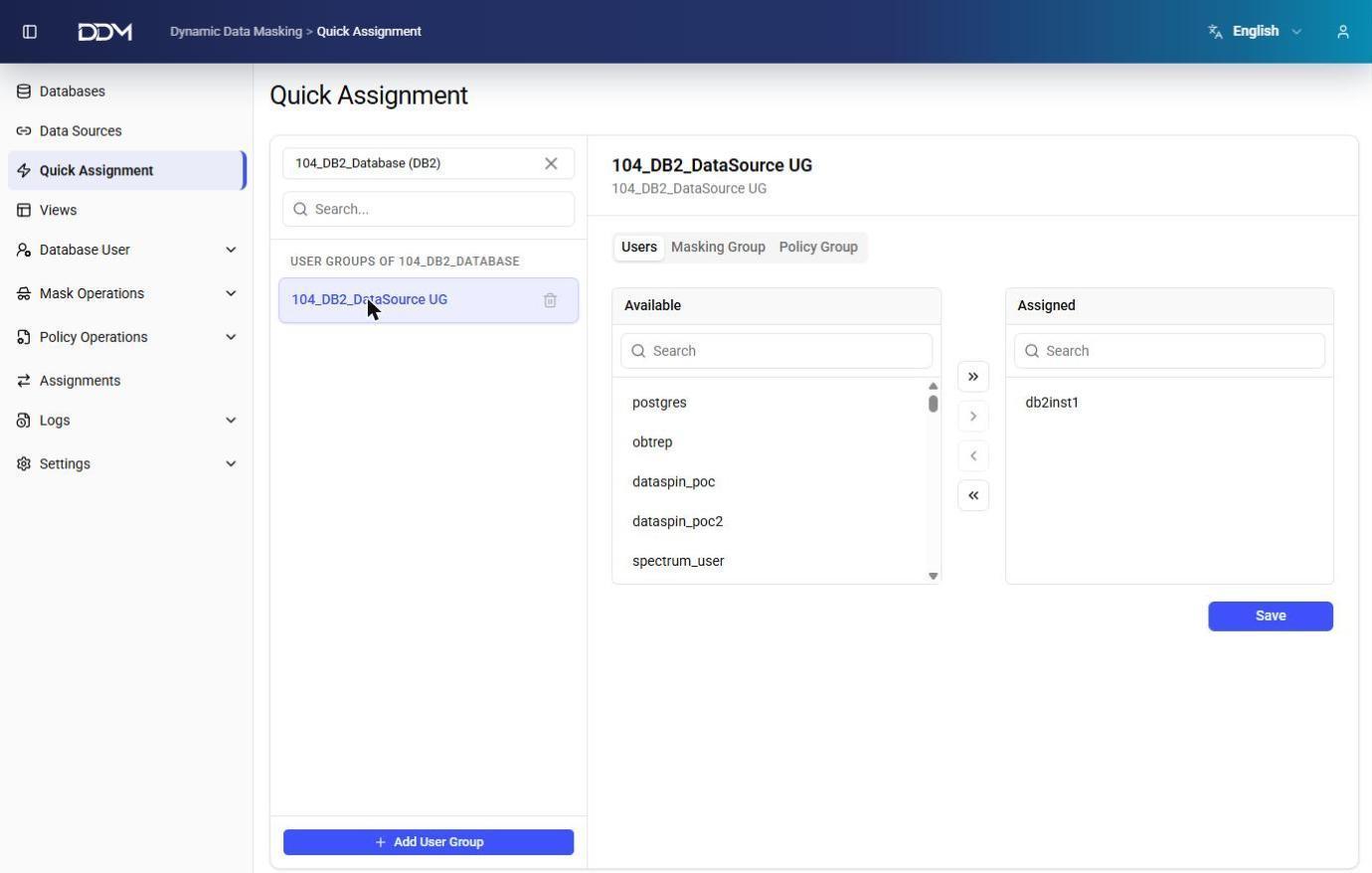
The Quick Assignment page is used to manage user assignments, masking groups, and policy groups for a database from a single screen.
Making an Assignment
1. Select a database.
2. Select a user group from the left pane.
3. Open one of the tabs: Users, Masking Group, or Policy Group.
4. Move items between the Available and Assigned lists.
5. Click Save to apply the changes.
Click + Add User Group to create a new user group for the selected database.
Tip
To manage each type of relationship separately, use the Assignments page.