Access Management
Access Management under Settings controls who can use the DDM management interface. It has two pages: Users and Roles.
Users
The Users page manages the application users, the administrators and operators who sign in to the DDM management interface.
Note
Application users are different from database users, which are the accounts that connect to protected databases.
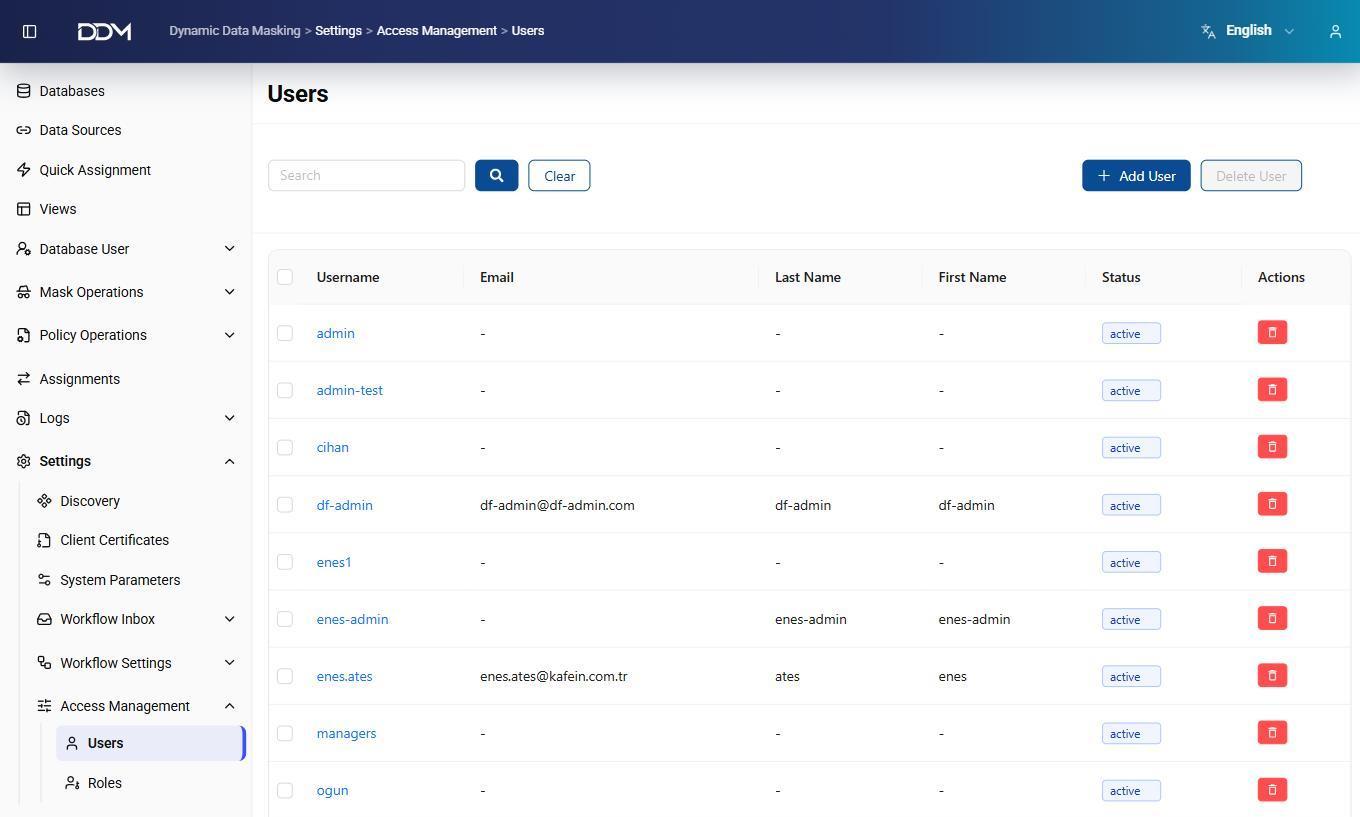
| Field | Description |
|---|---|
| Username | Unique username for signing in to the management interface. |
| Email address of the user. | |
| First Name | First name of the user. |
| Last Name | Last name of the user. |
| Status | Account state, such as Active or Inactive. |
| Actions | Delete the user. |
- Click Add User to create a user.
- Click Delete User to remove one or more selected users.
- Use the Search box to find a user.
Roles
The Roles page manages role-based access. A role sets which pages its users can open and which administrative actions they can perform.
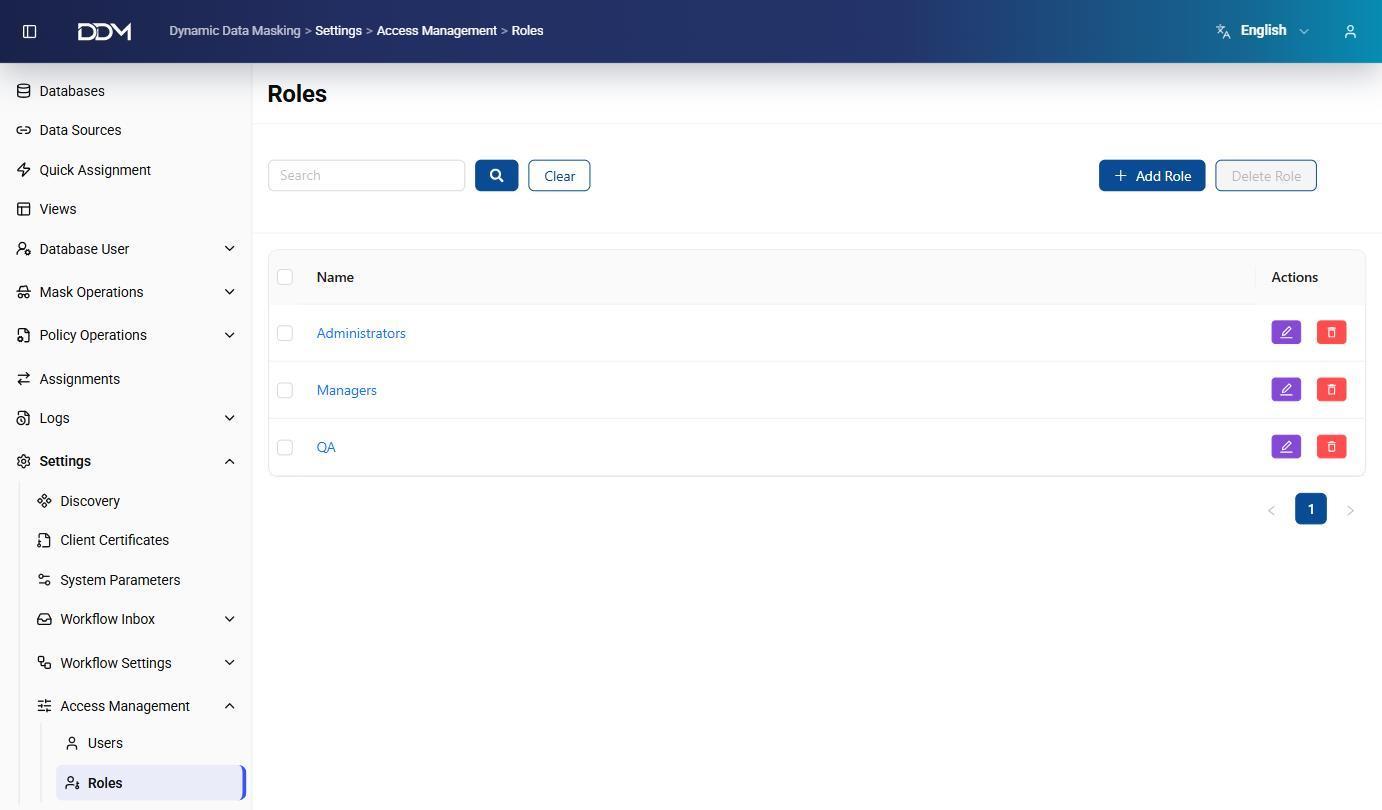
| Field | Description |
|---|---|
| Name | Name of the role, such as Administrators, Managers, or QA. |
| Actions | Edit the role's permissions or delete the role. |
- Click Add Role to create a role.
- Click Edit to change the role's permissions.
- Click Delete Role to remove one or more selected roles.